Transform Your Coding: 20 Productivity-Enhancing VS Code Extensions

The popularity and demand for IDE extensions have been on the rise in the software development industry. IDE extensions are effective for faster production of code without reducing the quality of output.
Since most developers prefer using Visual Studio Code, here are 8 Visual Studio Code extensions that will increase your productivity.
GitHub Copilot
GitHub and OpenAI developed GitHub Copilot. Its purpose is to autocomplete code, which works on Visual Studio Code, Neovim, Visual Studio, and JetBrains.
Its autocomplete feature works by analyzing the context of the project file and other related files to offer the most logical suggestions in your text editor.
GitHub Copilot is essential for increasing output by letting developers focus on other aspects of programming. Additionally, it can be used to write tests and explain cryptic bash scripts. GitHub Copilot also has the capability of autocompleting notes that you take in markdown.
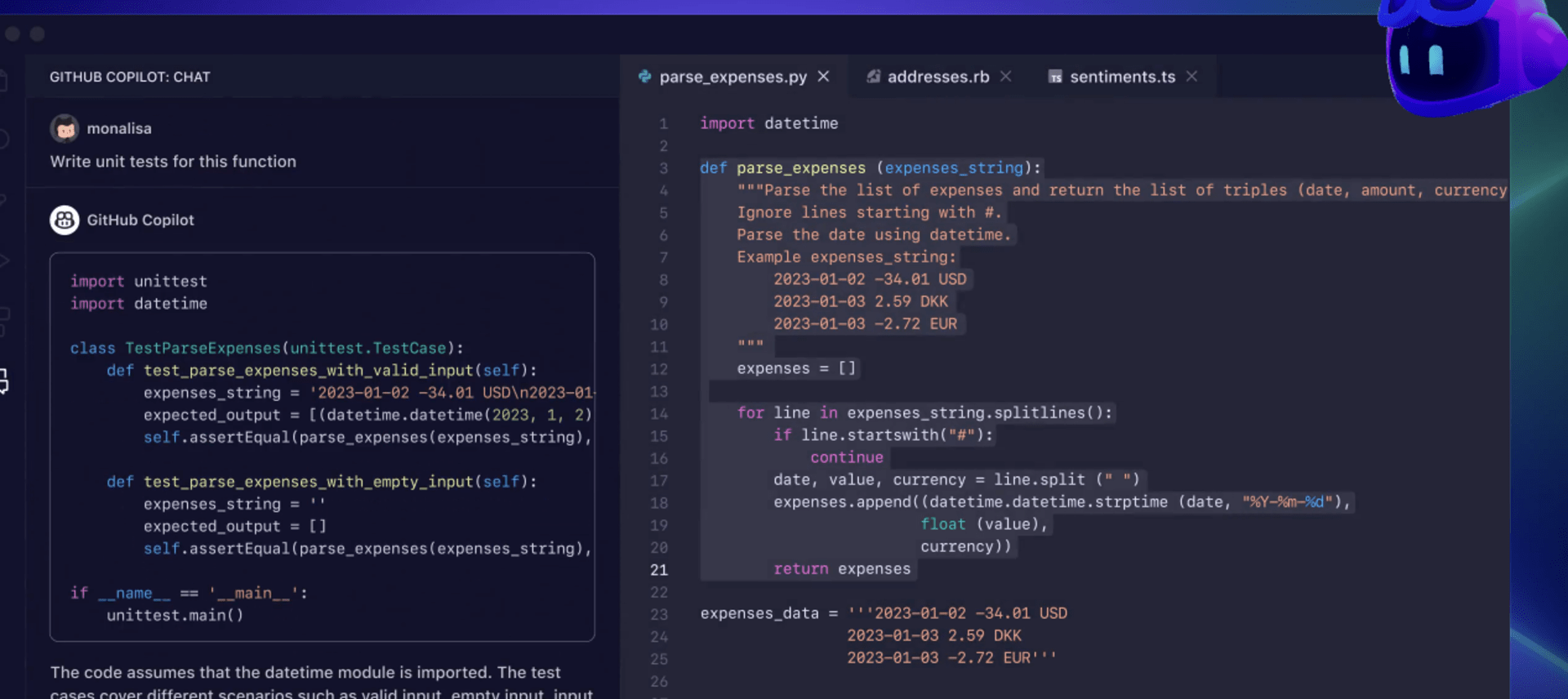
As a WordPress developer, I especially like GitHub Copilot for cost optimization patterns, securing code reviews, unit testing automation, API key management security, and front-end state management.
Better Comments
This VScode extension is essential for writing useful code comments in a development project. Including comments in your project ensures better code readability and provides clear explanations for other developers to reference in the future.
Some of the main features of Better Comments include writing queries, making TODO lists, showing highlights, and categorizing annotations based on alerts.
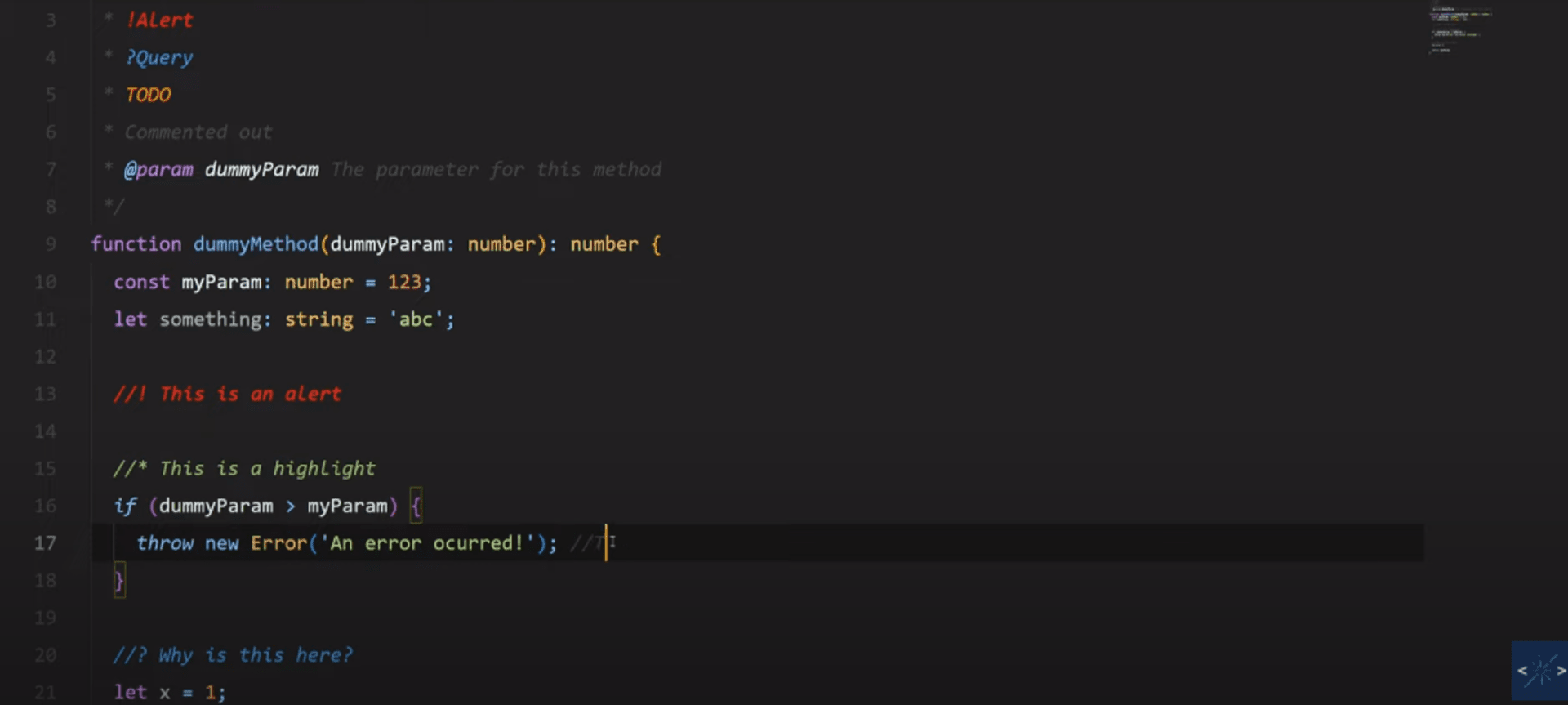
Writing comments in a coding project is necessary for providing explanations, improving clarity and context, and ensuring maximum productivity from developers. Code comments are needed for enhancing collaboration between team members, documenting decisions, and explaining complex parts of a project.
CodeSnap
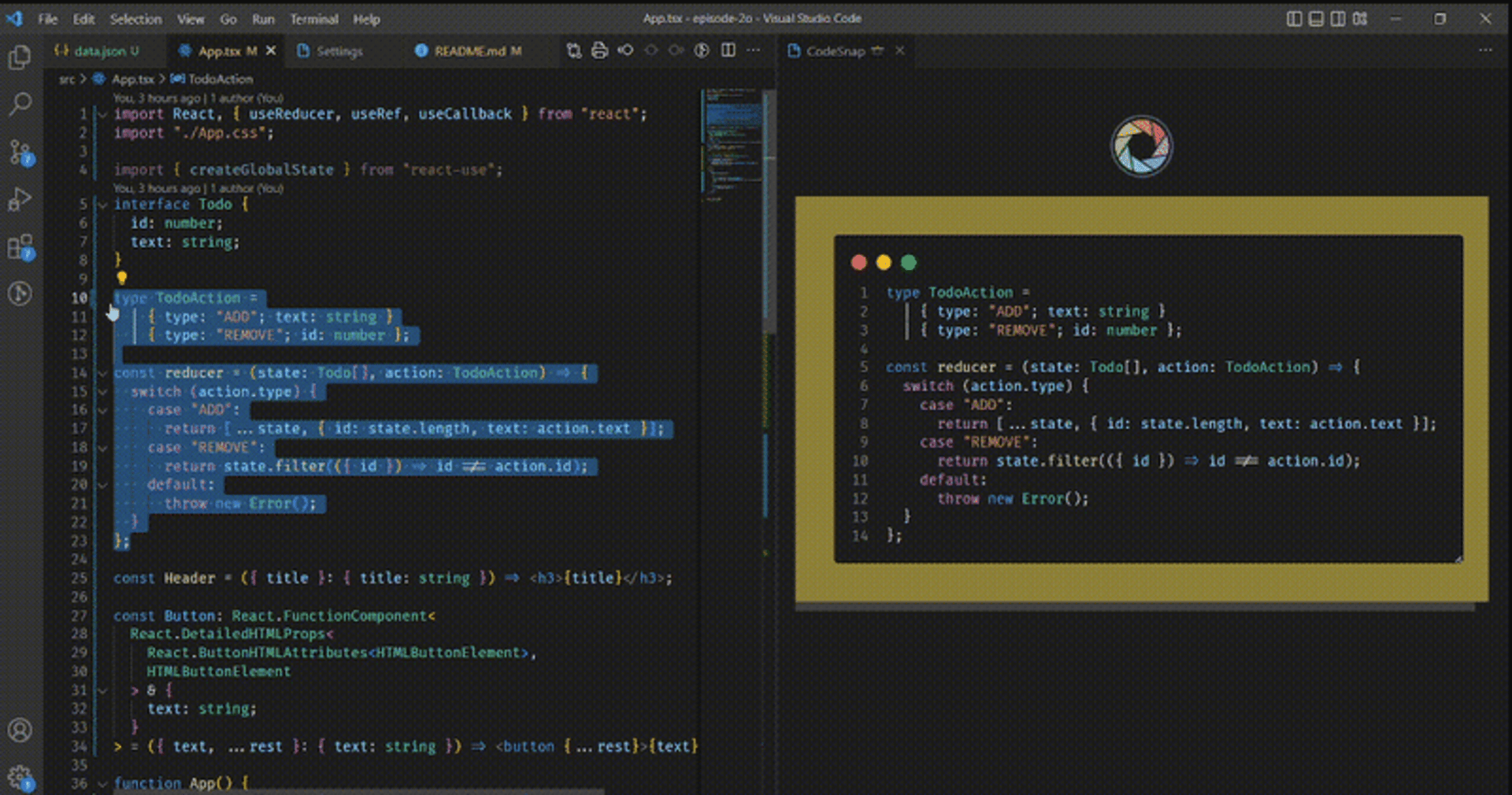
CodeSnap is a VScode extension for creating and sharing code snapshots. Developers use it to capture and save code snippets including syntax highlighting and annotations. It also has numerous customization options which streamlines the process of capturing and sharing code snippets with other team members.
Some of the main features of CodeSnap are:
Save code screenshots
Copy saved screenshots to the clipboard
Display line numbers
Change background color
Save code snippet to clipboard
GitLens
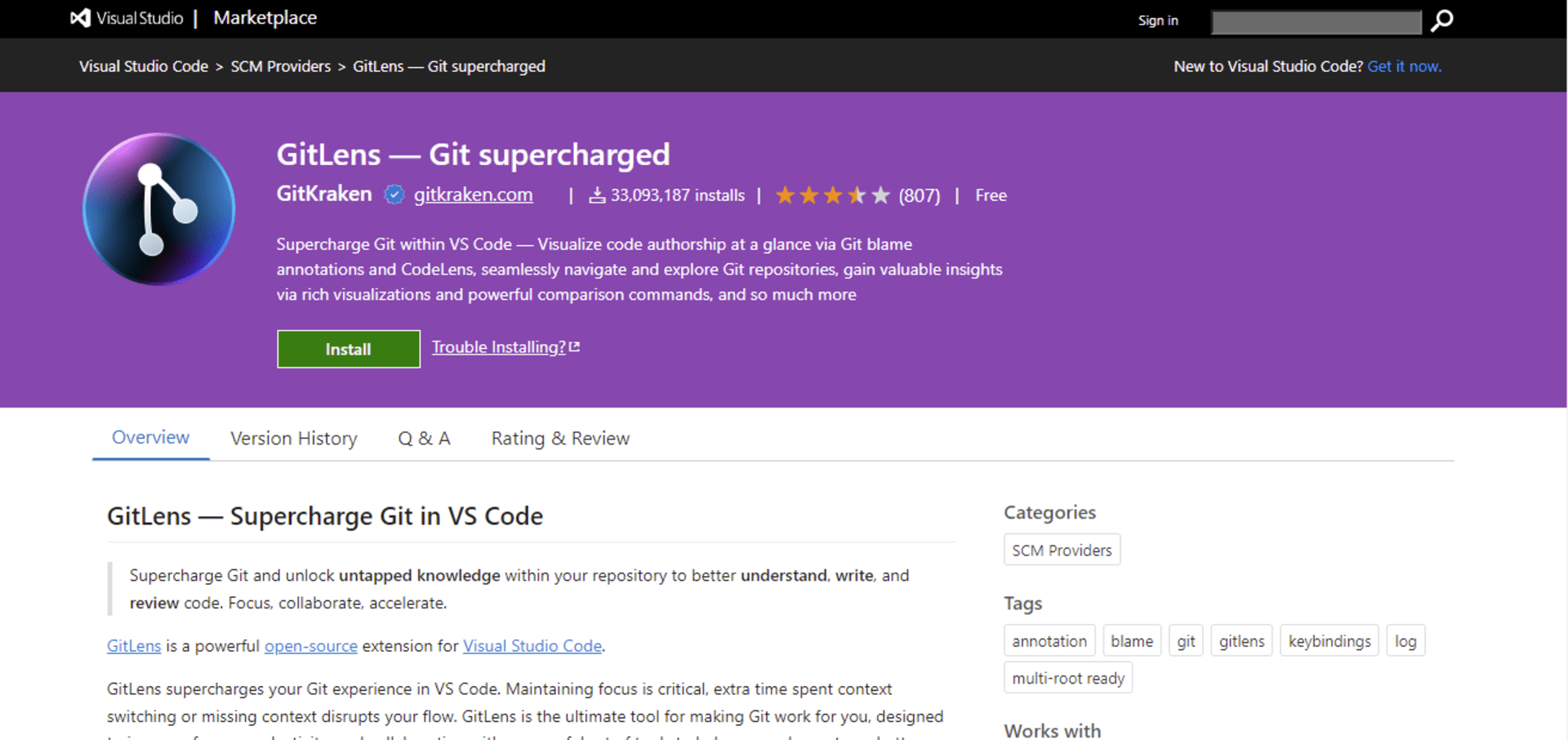
GitLens is a popular VScode extension with a reliable open-source community, active support, and frequent updates. It includes numerous features bundled into one IDE extension. GitLens enables Git in your current coding environment which simplifies the process of managing and understanding Git repositories.
With GitLens, developers can see exactly who made each code change in a project. The blame annotations feature allows you to view the code author, the commit date, and the commit message for every line of code. This is essential for developers when discussing and reviewing specific code changes with other teammates. The team can also use GitLens to understand the history of a file and determine the next steps in the coding project.
GitLens is often used to identify when and where a bug was introduced in a project. It is also used to find the commit responsible for a specific change even in huge repositories with the commit search feature.
Path IntelliSense
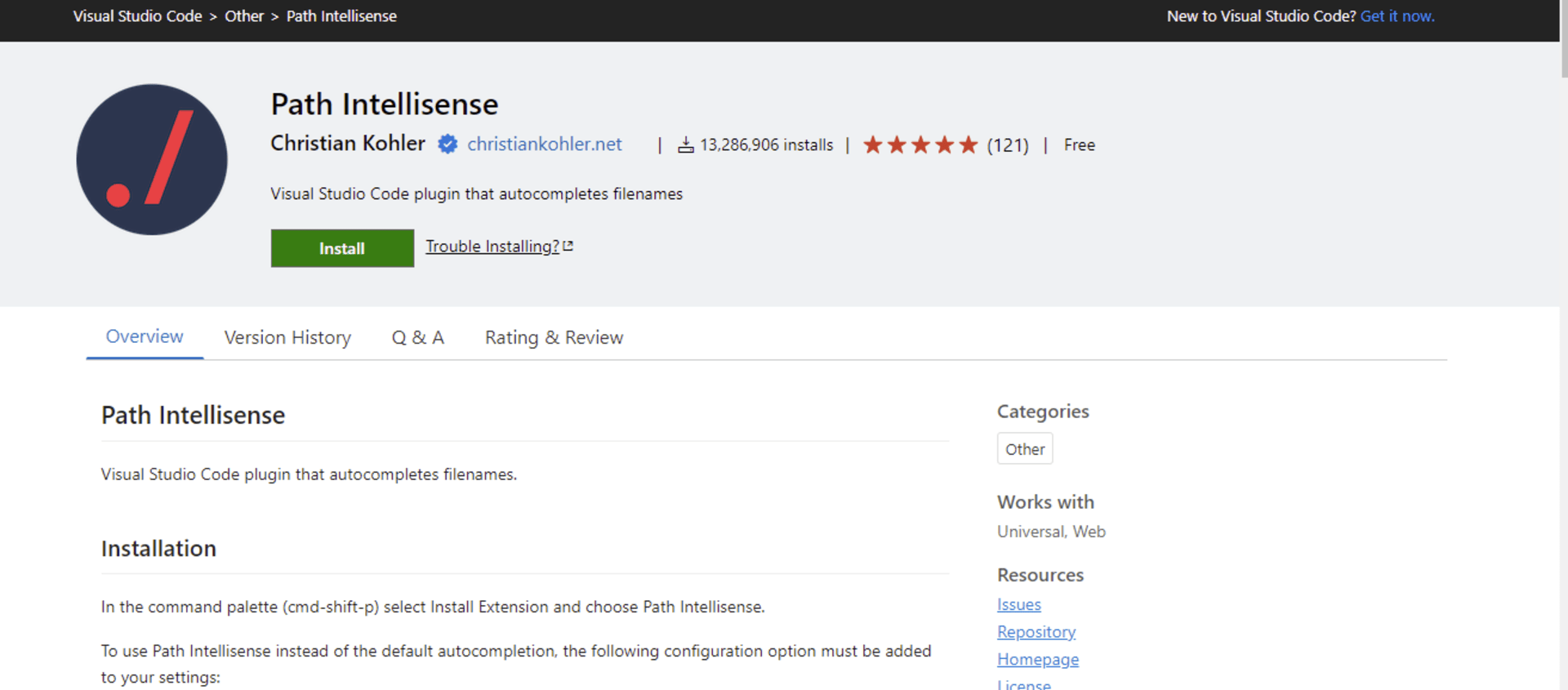
Path Intellisense is a VScode extension that dynamically suggests directory names and file paths as you work on a file. It is essential for reducing incomplete or wrong file path errors.
IntelliSense has some useful features such as Parameter Info, Quick Info, List Members, and Complete Word. These features help developers understand the code, track the parameters, and add calls to methods and properties quickly.
Project Manager
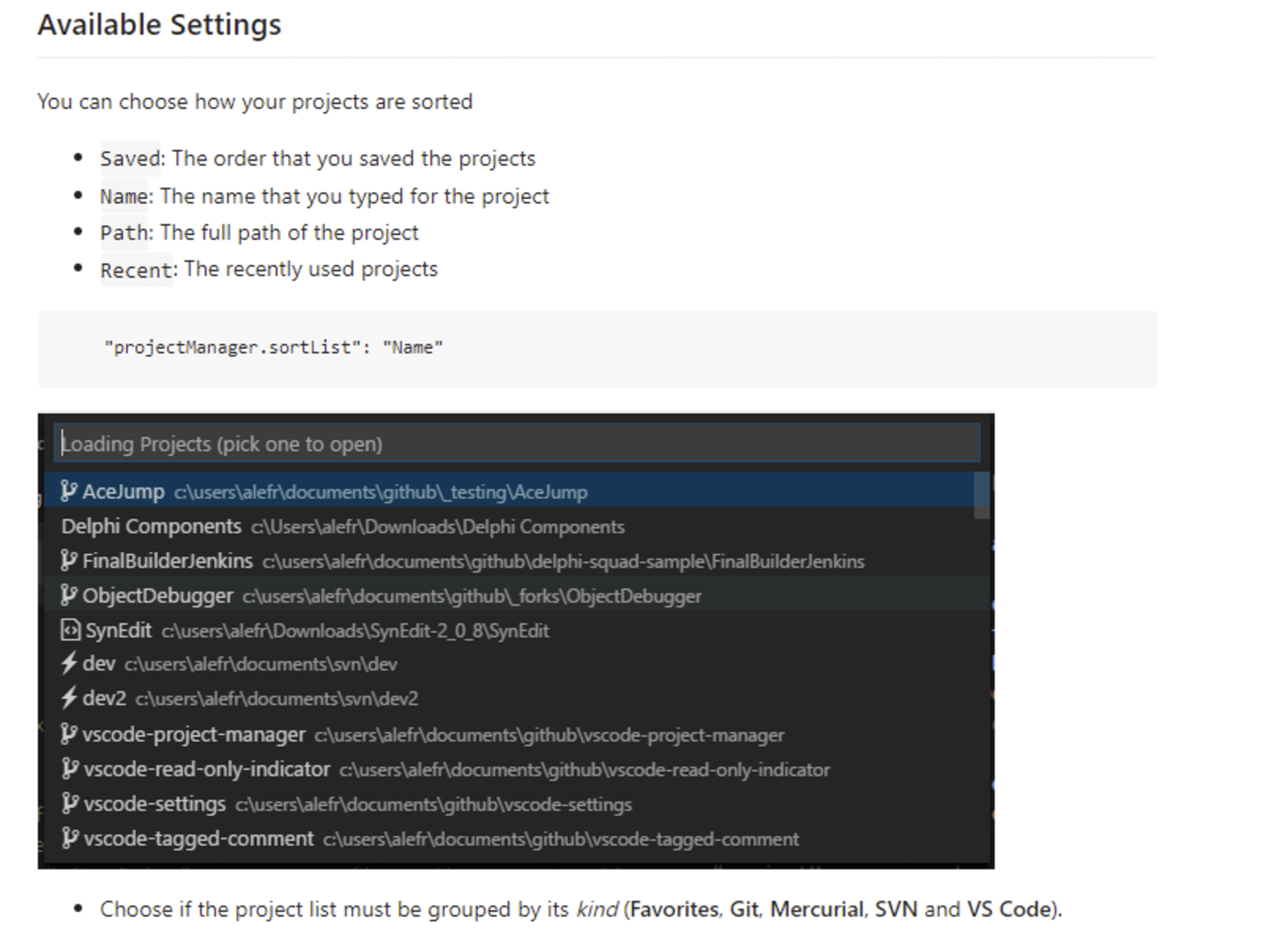
Project Manager is a VScode extension that allows developers to manage project folders effectively. It is a useful tool for developers working on many different projects who need to frequently switch between them.
It has useful features like project tags that are essential for managing and organizing projects.
Prettier
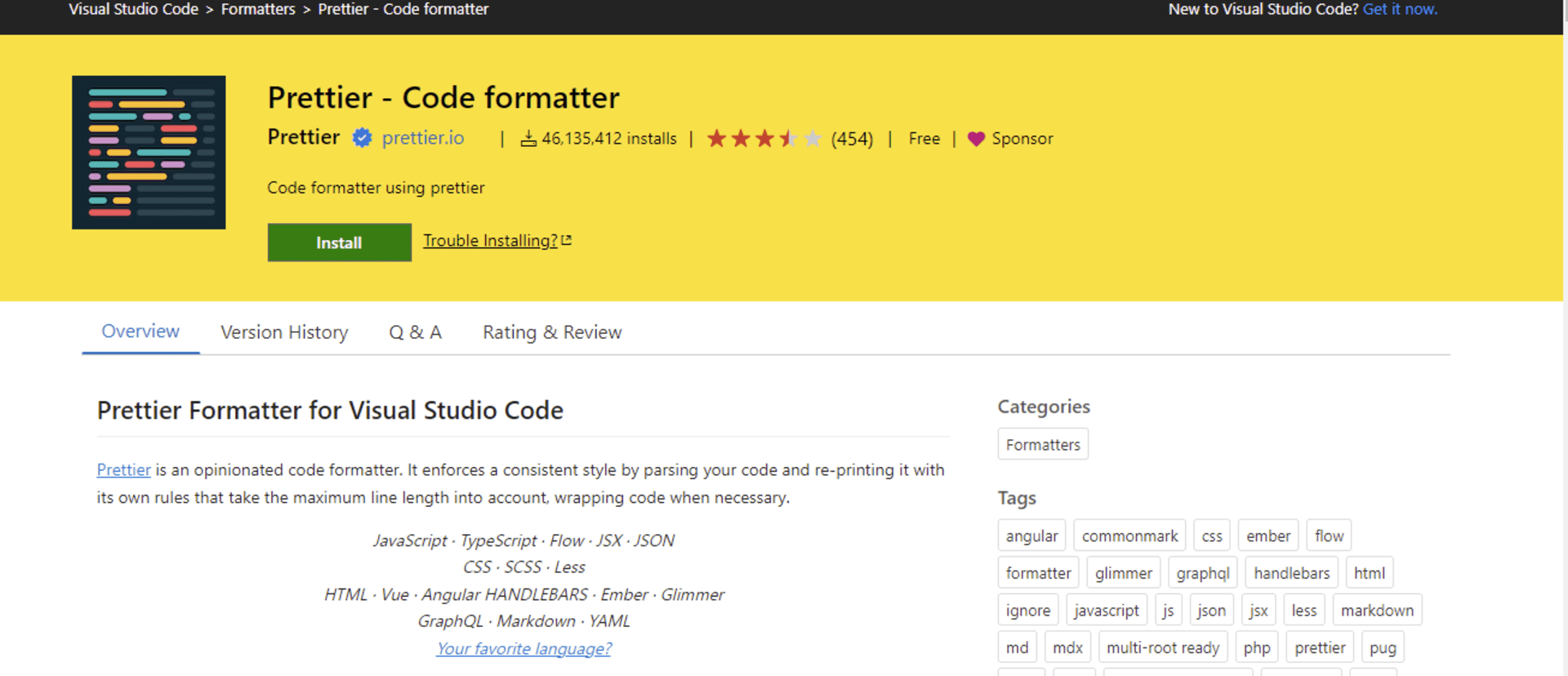
With over 40 million installations, Prettier is one of the most popular code formatting tools for Visual Studio Code. It is essential for maintaining a consistent style and improving code readability when working on a coding project.
Prettier uses a set of standardized rules to analyze and format code which improves productivity and eliminates debates over coding style. Its feature “format on save” helps developers reduce the time spent on code formatting by automatically applying the recommended formatting.
Live Server
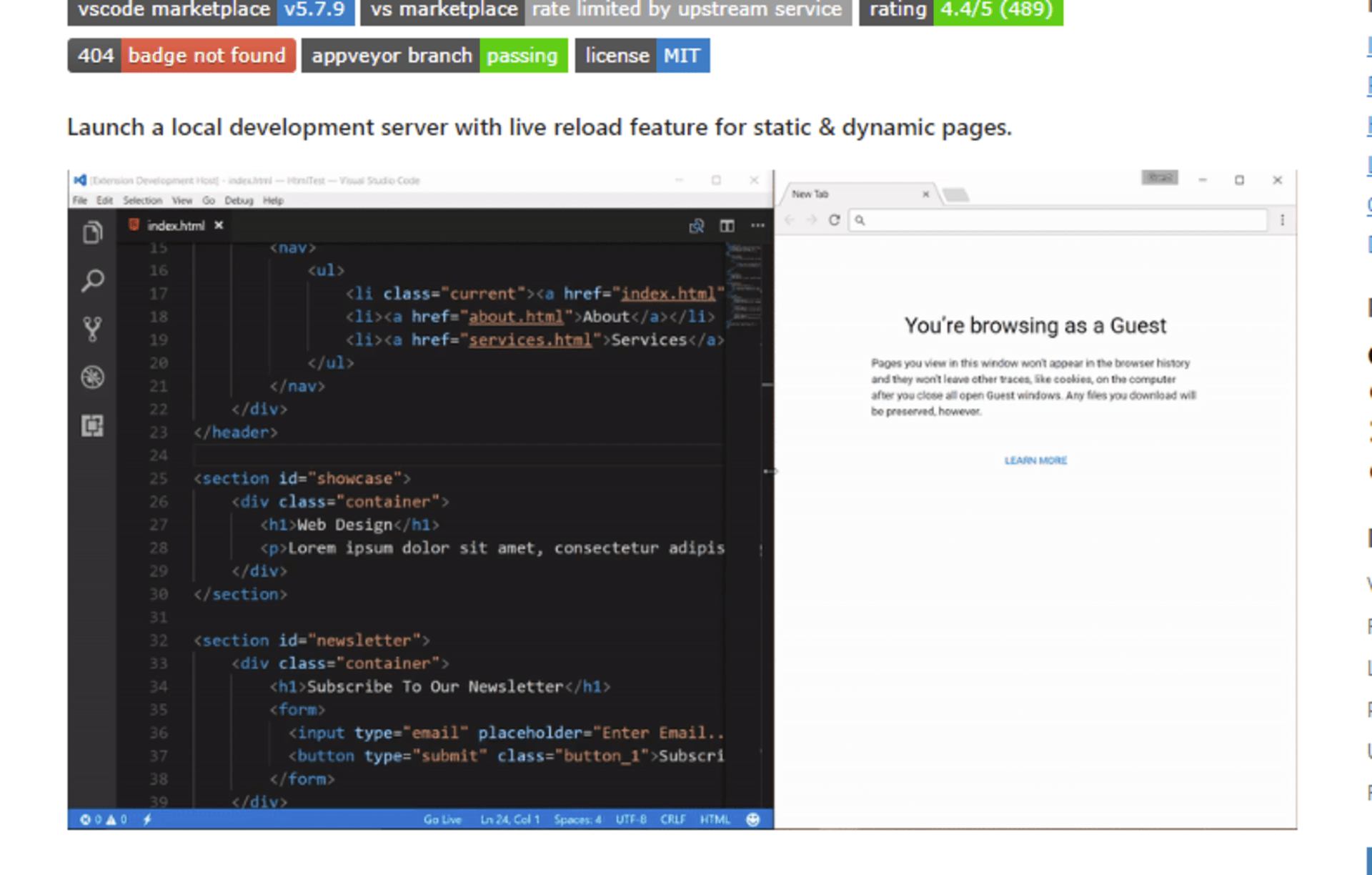
Live Server is a VScode extension that launches a local development server for both static and dynamic pages. It also has a live reload feature that allows you to view real-time changes reflected on your web browser every time you save your code. You can easily spot and fix errors with this feature in addition to conducting quick experiments while working on your code.
With this VScode extension, developers are spared the burden of having to save work in their editors and then reload the browser to view saved changes.
Summary
These eight VS Code extensions—GitHub Copilot, Better Comments, CodeSnap, GitLens, Path IntelliSense, Project Manager, Prettier, and Live Server—are designed to enhance productivity and streamline the development process. They offer features ranging from code autocompletion and enhanced commenting to project management and live reloading, making them indispensable tools for any developer looking to optimize their workflow in Visual Studio Code.
